
Send the quote without writing it again.
Put the service, the price, the terms and the client’s details into one document you can reuse next time.
What usually happens today
- You copy the last quote you sent and forget to change one detail
- The price lands, but the scope stays vague and shows up later
- The good version sits in a folder and the one you sent, in a chat
How Pagatu handles it
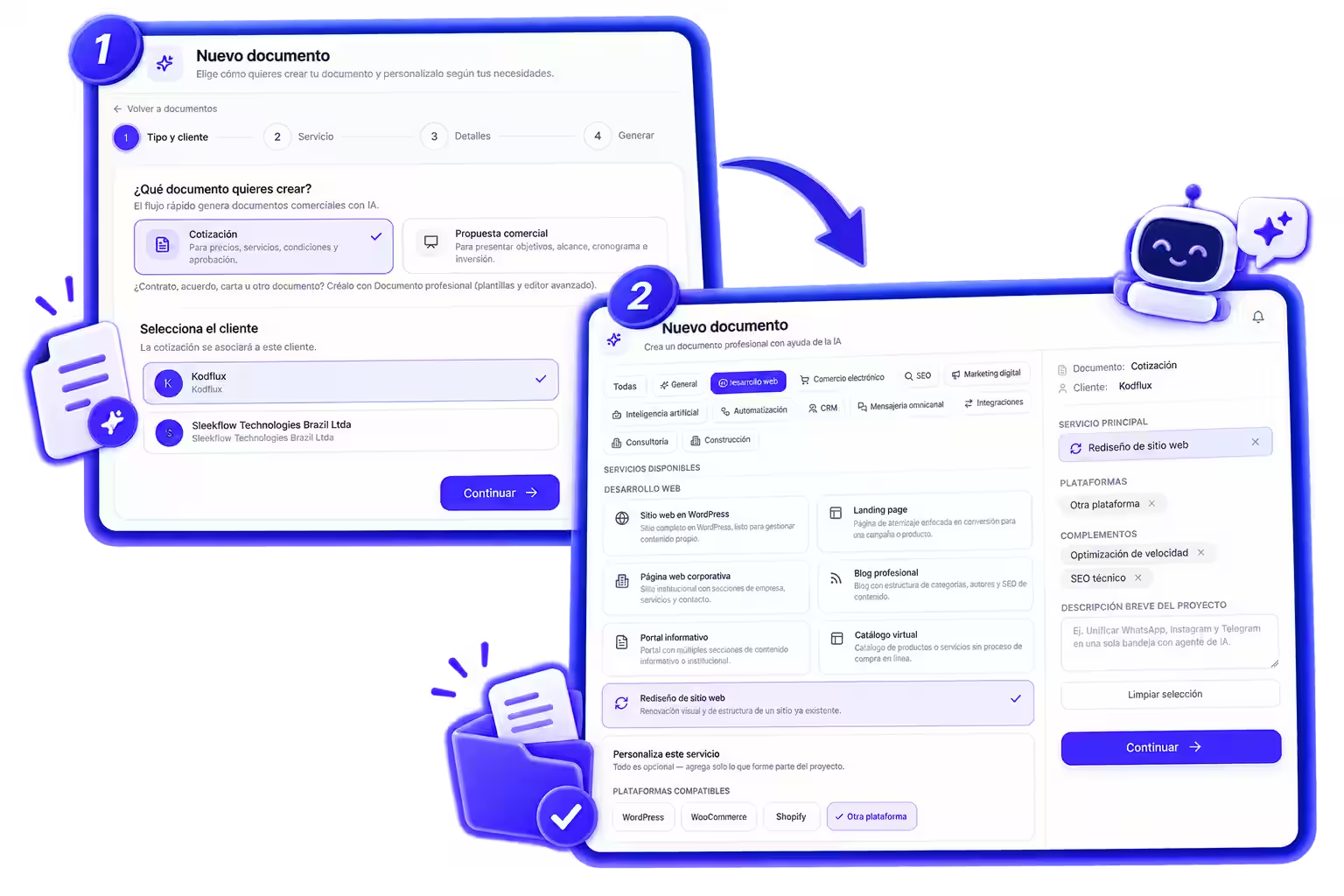
- 1Pick a quote
- 2Fill in service and terms
- 3Review and send
What you end up with
A document with the scope and terms written down, tied to its client and ready to reuse on the next job like it.
Antes de empezar
Can I change the price after sending it?
You can edit the document and share it again. The copy your client already received doesn’t change on its own.
Can a quote be signed, or only accepted?
Your client can approve it, request changes or sign it from the same link, depending on how you set it up.
Try it with your next client.
Create an account, put together a real document and watch the whole path play out.
Try it free